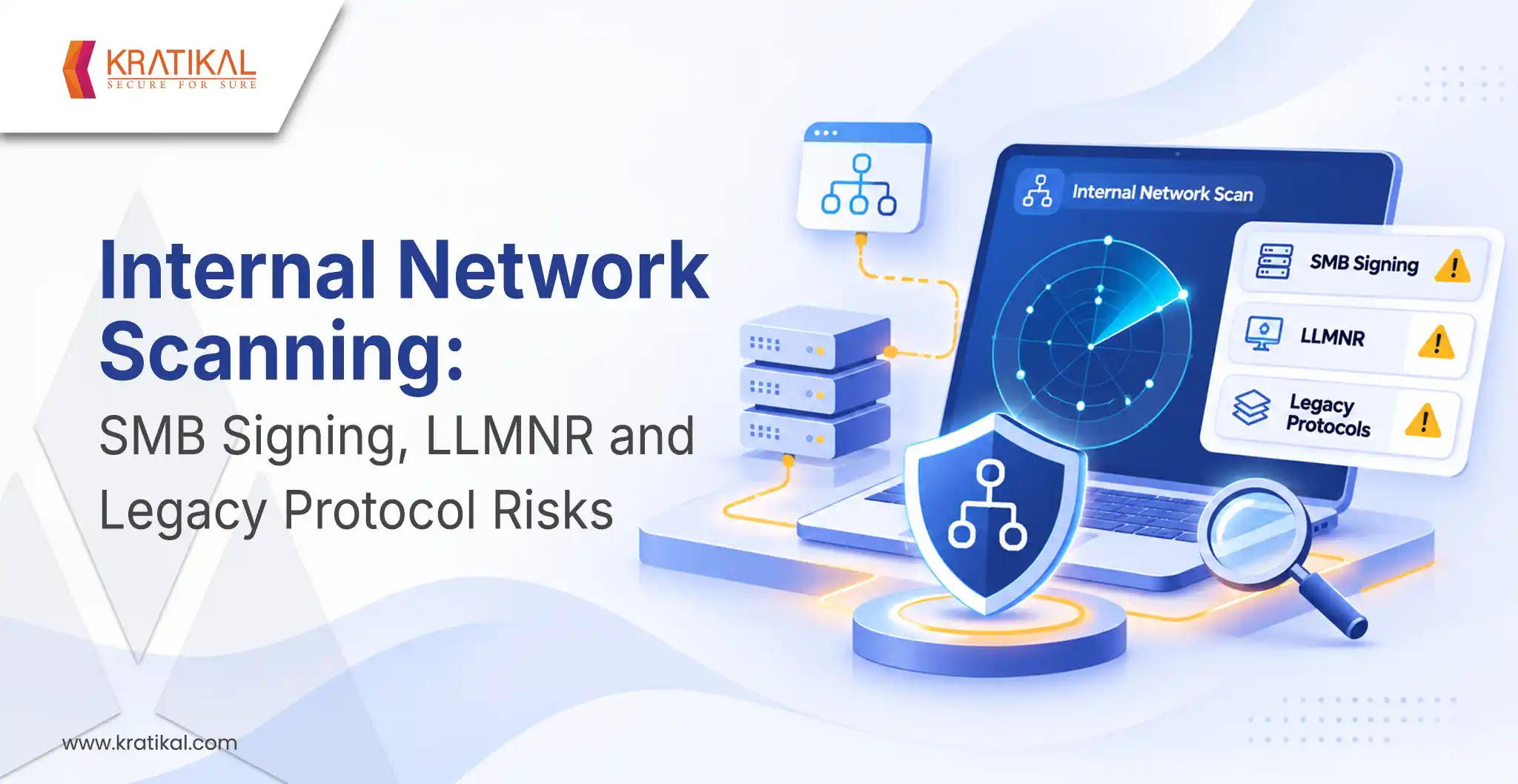
Weak SMB signing and LLMNR let one compromised laptop become a network-wide problem. Internal network scanning helps find those flaws. This blog discusses the why and how in detail. Your firewall may be strong. But what happens after an attacker gets past it? One phished password or one infected laptop puts them inside, where many networks still trust old Windows habits. Internal network scanning shows you what that attacker would see. It finds open file shares, unsigned connections, and forgotten protocols before someone else does. If your teams in Bengaluru and Boston share one network, a weak spot in either office can expose both.
What is Internal Network Scanning?
Internal network scanning is the process of checking devices, servers, and services inside your network for weaknesses. It shows what an attacker could reach after getting in, including open ports, weak settings, missing patches, and old protocols such as LLMNR, NetBIOS, and SMBv1. You can say it is like checking the doors inside your office, not just the front gate. A scan lists what is exposed. A penetration test goes further and proves what an attacker could actually do with it.
Why Legacy Protocol Risks Matter in 2026?
Old protocols are risky because they trust too easily, and attackers know it. In a 2023 advisory, the NSA and CISA reported finding LLMNR and NetBIOS name services enabled in production networks. The problem is still current:
- In November 2026, Microsoft patched an actively exploited Outlook flaw (CVE-2026-124194) that could expose a user’s NTLMv2 hash, a scrambled form of their password.
- In October 2025, CISA listed a Windows SMB flaw (CVE-2025-33073) as actively exploited. Researchers linked exposure to machines that did not enforce SMB signing.
Major Risks That Internal Network Scanning Can Identify
There are many risks that internal network scanning can help identify. Let’s talk about the two major risks that are lurking around since the past.
SMB Signing: The Missing Seal
SMB (Server Message Block) is how Windows machines share files and printers. SMB signing adds a digital seal to each message, so the receiver can tell it has not been forged or altered.
Without that seal, an attacker can sit in the middle, pass your employee’s login on to another server, and be accepted as that employee. This is called an NTLM relay attack. No password cracking is needed. If the employee is an administrator, the damage grows quickly.
LLMNR and NetBIOS poisoning: answering the wrong call
LLMNR (Link-Local Multicast Name Resolution) and NBT-NS (NetBIOS Name Service) are backup methods Windows uses to find a computer when DNS cannot. The device simply asks everyone nearby, “Who knows this name?” Anyone can answer, including an attacker.
A typical attack looks like this:
- An employee mistypes a shared drive name.
- DNS finds nothing, so the laptop asks the local network.
- The attacker’s machine replies, “That’s me.”
- The laptop tries to log in and hands over the NTLM authentication data.
- The attacker cracks the password offline, or relays the login to a server that does not require signing.
Weak SMB signing and LLMNR are risky alone. Together, they can give an attacker access without exploiting a single software bug, so patching alone will not save you. A published test of Windows 11 25H2 Pro found both LLMNR and NetBIOS still active with default settings.
A date for your calendar: Microsoft’s November 2026 update makes Windows clients offer NTLM signing by default. From May 2027, Windows servers will require it by default, and clients that cannot sign will be rejected. This is separate from SMB signing. Test older applications, proxies and single sign-on tools now.
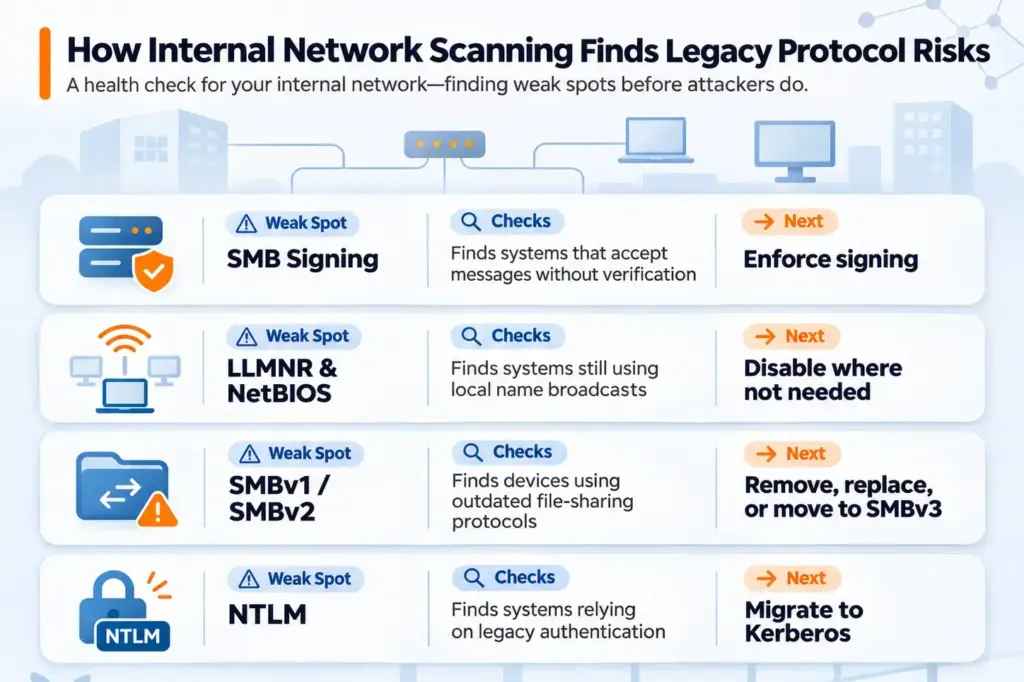
How Internal Network Scanning Finds These Risks
Internal network scanning is a health check for your office network. If the network is a building, these weak spots are unlocked doors inside it, and scanning is the walk-through that checks them.
| Weak Spot | What Internal Network Scanning Checks | What You Do Next? |
| SMB Signing | Which computers accept messages without the seal | Make signing compulsory |
| LLMNR and NetBIOS | Which computers still ask nearby devices for names | Turn them off where not needed |
| SMBv1, SMBv2 | Which devices still use the old file sharing | Remove it, or replace the device, or use SMBv3 |
| NTLM | Where the old login method is still used | Move to Kerberos, a safer login method |
For example, a scan finds a file server that does not require SMB signing. A tester then shows that a stolen login could be passed to it. Your team makes signing compulsory, and a second scan confirms the gap is closed. Not every scan checks all of these by default. LLMNR and NTLM use may need logged-in checks, log reviews or a tester watching network traffic.
Keeping Fixes Fixed: Network PTaaS and Autonomous Internal Network Scanning
A new server, an old image, or a rushed change can reopen a gap the next week. This is where autonomous, agentic network scanning helps: AI agents handle the repeat work of discovering assets, checking them, and confirming which weaknesses can really be exploited. AutoSecT network scanner is built for this. It needs no agent on each device, tracks assets by IP and MAC address, connects with Active Directory, and supports SSH-based authenticated scans. It covers internal and external networks, validates findings with proof of concept, and lets teams schedule scans and recheck individual fixes. Automation still benefits from human judgment. PTaaS platform adds expert-led testing to the platform, so specialists can explore how weak settings chain together. Whichever provider you choose, ask them to show how they test for SMB signing, name lookup poisoning, and NTLM relay in your environment.
Key Takeaways
Weak SMB signing and active LLMNR can turn one foothold into wide access. New Windows defaults help, but servers, older systems and third-party devices need checking. Prepare for the May 2027 NTLM signing requirement now. Combine continuous internal network scanning with expert testing, that includes on-demand retesting after fix.
Talk to Kratikal about an internal network assessment for your India, US or global environment.
FAQs
- What is SMB signing and why is it important?
SMB signing adds a digital signature to file-sharing traffic. It helps stop attackers from tampering with messages or relaying a user’s login to another server.
- Is LLMNR a security risk?
Yes. Any device on the local network can answer an LLMNR request, so an attacker can pose as the system being searched for and capture login data.
- Is it safe to disable LLMNR and NetBIOS?
Usually, if DNS is working well. Some older devices and applications depend on NetBIOS, so test with a small group before a wider rollout.
- Does SMB signing stop all NTLM relay attacks?
No. It protects SMB connections. Other services, such as LDAP and web applications, need their own protections.
- How often should internal network scanning be done?
Scan monthly or continuously as a good practice, and after major changes. Some rules set minimums, such as quarterly internal scans under PCI DSS.
- What is the difference between a vulnerability scan and a penetration test?
A scan finds likely weaknesses across many systems. A penetration test proves how they can be exploited and what the business impact could be.