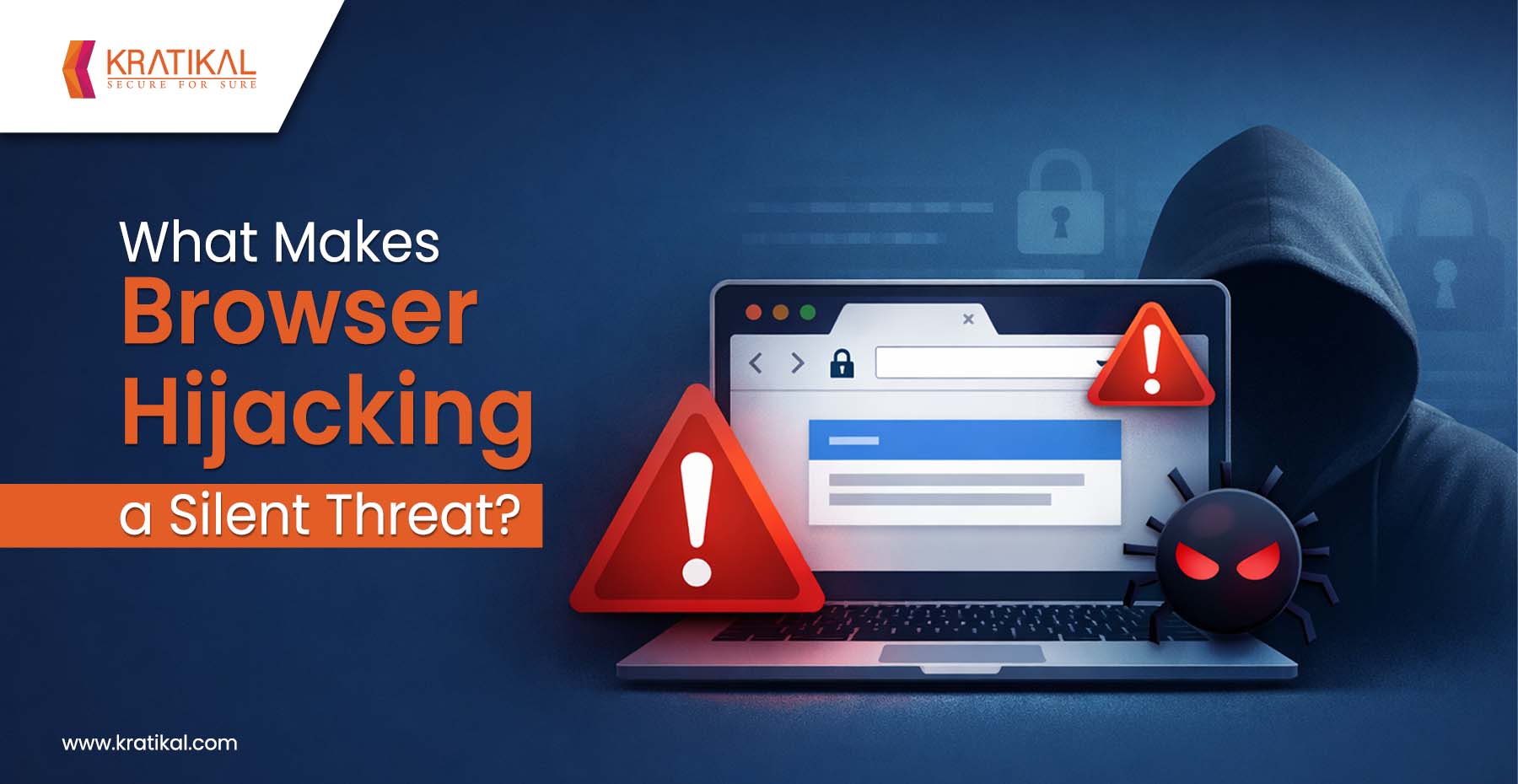
Web browsers act as a critical gateway to an organization’s digital ecosystem, enabling access to banking, email, cloud applications, and sensitive customer data. When attackers compromise this gateway, they can monitor user activity, redirect traffic, and capture confidential credentials without detection. This threat, known as browser hijacking, has become increasingly widespread, affecting organizations of all sizes. This type of hijacking involves unauthorized modifications to a user’s browser settings. Although it may seem minor initially, it can lead to the installation of malware or spyware, resulting in serious security and privacy risks.
Unusual browser behavior, such as frequent pop-ups, unexpected redirects, or sudden changes in settings, often signals a potential hijack. This guide explores how browser hijacking works, how to remove it, and the steps you can take to reduce the risk.
What is Browser Hijacking and How Does It Operate?
Browser hijacking involves a range of techniques that hackers use to gain control over web browsers and user sessions. While the methods may differ, most attacks follow a similar approach that allows attackers to operate without raising immediate suspicion.
In many cases, these attacks begin when users unknowingly install malicious browser extensions. In fact, cybersecurity researchers recently identified 33 such extensions affecting over 2.6 million users. Other common entry points include downloading compromised software, interacting with phishing emails, or visiting infected websites.
After successfully compromising a browser, attackers can leverage their access to carry out a wide range of malicious activities:
- Session token theft:
Modern attackers often target session cookies and authentication tokens instead of passwords. When you log into a website, your browser saves a session token that confirms your authenticated state. If attackers manage to steal this token, they can impersonate you without needing your password and may even bypass multi-factor authentication. In 2023 alone, Microsoft reported 147,000 such “token replay” attacks, marking a 111% increase compared to the previous year.
- Traffic Interception and Redirection:
Attackers can track and manipulate your online activity once they gain control. This may include redirecting you to fake websites that closely resemble legitimate ones, injecting unwanted ads into webpages, or routing your traffic through malicious servers to capture sensitive information like login credentials.
- Additional Malware Deployment:
The hijacking is often just the starting point for more severe attacks. With access to the browser, attackers can introduce other malicious software such as ransomware, keyloggers, or spyware. This can quickly escalate into a broader network compromise, impacting multiple systems and users within an organization.
One of the most alarming aspects of browser hijacking is how quickly these attacks can progress. In many cases, commonly available stealer malware can extract and transmit stored session data in less than an hour, with attackers beginning to use the stolen credentials within 24 hours. Despite this rapid execution, the average detection time still remains around five days.

Book Your Free Cybersecurity Consultation Today!
Why Browser Hijacking is a Silent Threat To Organizations?
The hijacking is considered a “silent” threat because it is designed to stay hidden. Instead of causing obvious damage like system crashes or pop-ups, it works quietly in the background. It may use hidden browser windows, run scripts silently, or replace files without the user noticing.
For example, some attacks can open a hidden browser window and steal cookies or redirect searches without any visible sign. Others act only occasionally, triggering malicious activity on a small number of page visits, making them even harder to detect. In some cases, harmful browser extensions can even hide themselves from the browser’s extension list.
Another reason these attacks go unnoticed is that their activity often looks normal. The browser may appear to be sending regular web traffic, such as HTTPS requests to common websites, which makes it difficult for security tools to identify anything suspicious.
Browser hijacking is risky for enterprises because it can silently steal sensitive data like login credentials and financial information. Hijacked browsers can monitor user activity, exposing confidential business operations and communications.
In simple terms, browser hijackers blend in with normal browser behavior. They use trusted methods like legitimate-looking software, hidden code, and built-in browser features to avoid detection. This ability to “hide in plain sight” is what makes them so difficult to detect without advanced security monitoring.
Common Signs of a Browser Hijacking Attack
Certain types of browser hijacking malware can cause unusual or unwanted behavior on an infected device. Some common signs include:
- Frequent pop-up ads or unwanted windows appearing on the screen
- Changes to your default homepage or search engine without your permission
- Searches are being redirected to unfamiliar or suspicious websites
- New toolbars or extensions are showing up without being installed by the user
- Slower browser performance, with web pages taking longer to load
- Unexpected redirects that take you to pages you didn’t intend to visit
That said, not all browser hijacking attacks are easy to spot. Some operate quietly in the background, collecting data and tracking activity without affecting how the device appears to function. This is why taking proactive security measures is essential to staying protected.
Join our weekly newsletter and stay updated
Browser Hijacking: Attack Vectors, Signs & Prevention
Reducing the risk of hijacking requires a combination of good security habits and practical preventive measures. Adopting safe and responsible online behavior is a strong first step, but there are several additional steps organizations and individuals can take to further minimize the risk:
- Avoid downloading free or untrusted software
If something is offered for free from an unknown or unreliable source, it’s usually not safe. Many free download websites contain hidden malware. Even if the software looks genuine, it may include harmful programs like browser hijackers.
- Review download settings carefully
Before installing any software, always check the installation settings. This helps you spot and avoid any extra or unwanted programs that may be included.
- Be cautious of repeated ads and messages
If you keep seeing the same ads or offers again and again, especially ones that seem too good to be true, avoid them. Do not click on pop-ups or banners, as they may lead to malicious content.
- Avoid clicking on suspicious links
If a link or email attachment looks unusual or untrustworthy, don’t click on it. Always stick to websites and sources you are familiar with.
- Keep browsers and extensions updated
Regular updates help fix security issues and remove risky extensions. Updated browsers also come with better security features to protect against threats.
Conclusion
Browser hijacking may not always appear as a high-impact threat at first glance, but its ability to operate silently makes it extremely risky. By quietly taking control of browsers, attackers can monitor user activity, steal sensitive information, and launch further attacks without being detected. Its stealthy nature, combined with rapid execution and delayed detection, makes it a serious risk for both individuals and organizations.
The key to defending against browser hijacking lies in being proactive rather than reactive. Recognizing early warning signs, adopting safe browsing habits, and maintaining strong security practices can significantly reduce the risk. Simple steps like avoiding untrusted downloads, keeping systems updated, and staying alert to unusual browser behavior can go a long way in preventing attacks.
Ultimately, as browsers continue to serve as a gateway to critical systems and data, securing them must be a priority. A combination of user awareness, regular monitoring, and strong security controls is essential to stay ahead of this silent yet impactful threat.
FAQs
- How can you prevent browser hijacking?
You can prevent browser hijacking by avoiding untrusted downloads, regularly updating your browser and extensions, using reputable security software, and monitoring any unexpected changes in browser settings.
- Can browser hijackers steal passwords?
Browser hijackers can steal sensitive data by installing tracking cookies. These cookies monitor your browsing history and search behavior. They can also collect personal information, including login credentials and financial details.
- How can I check whether my browser is being managed or monitored?
Open Chrome and click the three-dot menu in the top-right corner. Scroll to the bottom. If you see “Managed by your organization,” your browser is being monitored. If not, it isn’t.