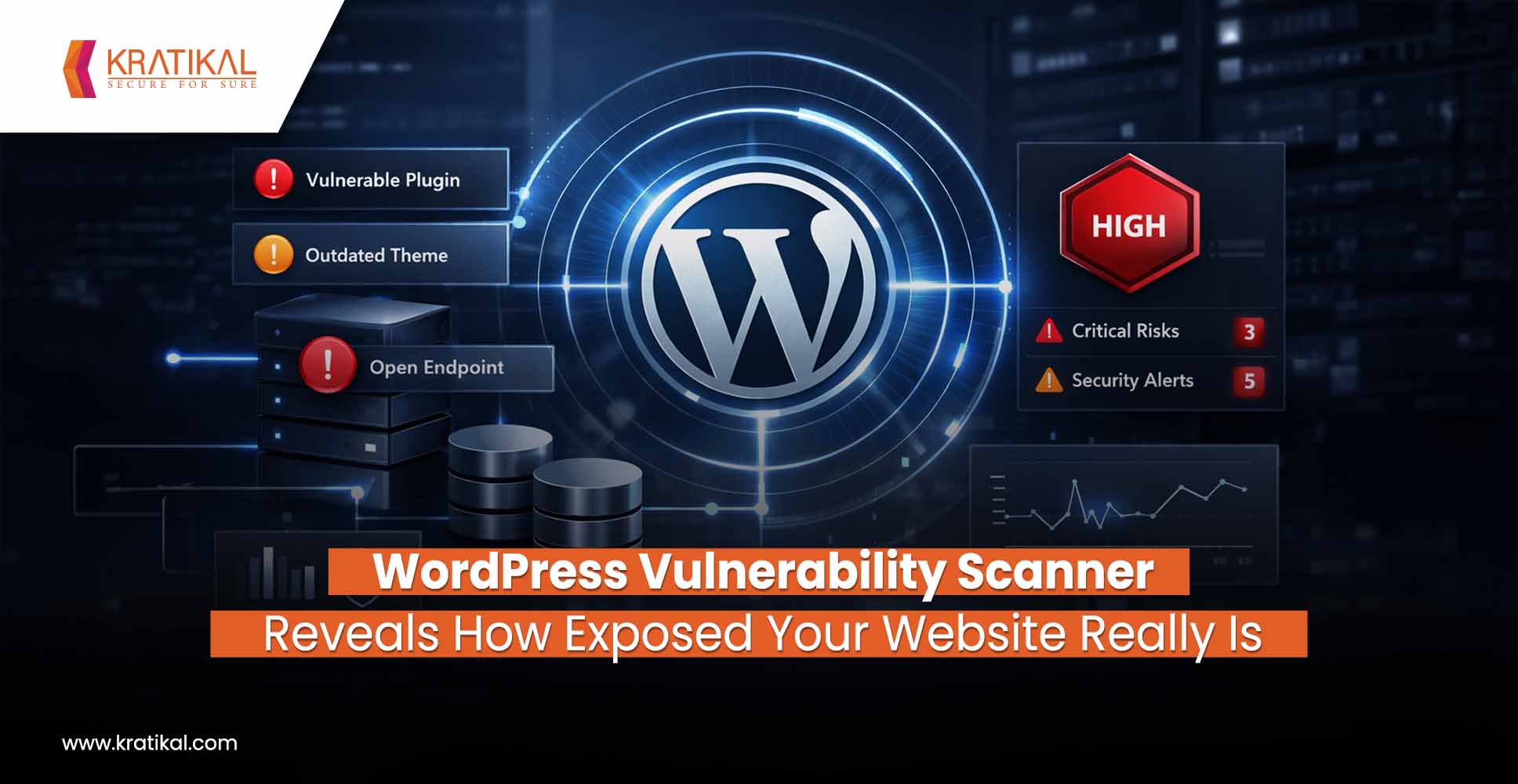
WordPress powers about 43% of all websites worldwide. This makes it an indispensable platform for organizations of all sizes. Unfortunately, that popularity also makes WordPress a prime target for attackers. Hundreds of thousands of WordPress sites get hacked each year, not because the core WordPress software is inherently insecure, but largely due to preventable issues like outdated plugins, weak passwords, and poor configurations. So, what needs to be done? You need a good WordPress Vulnerability Scanner. In this article, we’ll delve into the common risks and exposures that WordPress vulnerability scanners uncover and how they threaten your site if left unaddressed. We’ll also look at real-world data illustrating these risks, and introduce how tools like AutoSecT by Kratikal can offer deeper, proactive protection beyond generic scanners.
Why Do WordPress Vulnerability Scanners Matter?
There is no one answer for this! But do we need it? It is a definite yes. Let’s start with the risks associated with it –
Outdated Plugins and Themes: A Recipe for Breaches
One of the starkest findings from WordPress security reports is that “plugins are the #1 source of vulnerabilities” on WordPress sites. Recent analyses show that over 96% of new WordPress security flaws are found in plugins. By contrast, only a tiny fraction, around 3% in 2023, were in themes, and WordPress core itself accounted for well under 1%. In other words, the extensions you add to WordPress, especially third-party plugins, are overwhelmingly the biggest attack vectors.
Why are plugins such a security headache?
- For one, there are thousands of them, over 14,000 WordPress plugins with known vulnerabilities, according to WPScan’s database.
- Each plugin is its own piece of software that may contain bugs or security holes. If a plugin isn’t kept up-to-date, any known vulnerability in that plugin is essentially an open door for hackers.
- Security researchers estimate 52% of WordPress vulnerabilities stem from outdated plugins that site owners never updated to a patched version. Every time a plugin developer releases a security fix, attackers race to reverse-engineer it and target any sites that haven’t applied the update.
A statistic from Wordfence’s 2024 report: approximately 35% of all WordPress vulnerabilities disclosed in 2024 remained unpatched in 2025. This means over one-third of known plugin/theme flaws had no security update available for site owners, leaving deletion as the only safe option.
Real World Incidents
#1 Real-world incidents underscore how dangerous lagging behind on updates can be. For example, in late 2025, a critical flaw was discovered in a widely used “Post SMTP” plugin, which had over 400,000 active installs. This vulnerability lets unauthenticated attackers read password-reset emails and take over any account on the site, essentially an instant admin takeover. Within days of disclosure, hackers had begun actively exploiting it in the wild, with 4,500+ attacks blocked in just the first day. Sites that updated the plugin in time were safe; those that didn’t weren’t.
#2 Similarly, a privilege-escalation bug in the AI Engine plugin put 100,000+ sites at risk in 2025, but only those who hadn’t updated to the patched version. These examples are not outliers – every month, plugins with tens or hundreds of thousands of installs get hit with serious vulnerabilities. It’s clear that outdated plugins and themes are an open invitation to malware, data breaches, and site takeovers.
The takeaway: Every skipped plugin update or lingering old theme can expose your organization to catastrophic risk. Fortunately, this is a preventable problem. By running regular vulnerability scans and promptly applying patches, you can close these open doors before attackers barge through.
Book Your Free Cybersecurity Consultation Today!

Weak Configurations and Information Leaks
Beyond software versions, misconfigurations in WordPress can quietly expose sensitive information to attackers. A WordPress vulnerability scan often reveals configuration issues that site owners never realized were opening them up to risk. Here are some common exposures and weaknesses:
Directory Listing Enabled
If your server allows directory listing, which means browsing the contents of folders like /wp-content/uploads/, attackers can easily discover sensitive files or clues about your setup.
WordPress Version & Plugin Info Exposed
Many sites inadvertently advertise their WordPress version, theme, or plugin versions in page headers or readme files. This is an invitation to attackers! A WordPress vulnerability scanner can detect these exposure points.
XML-RPC Interface Left Open
WordPress’s XML-RPC API is an older interface that allows remote publishing and other actions. These days, it’s often unnecessary, but if left enabled, it can be abused for brute-force attacks or even DDoS amplification. Scanners will flag if your /xmlrpc.php endpoint is responding. In most cases, you should disable XML-RPC via a plugin or .htaccess rule unless you specifically need it, and use the newer REST API or other methods instead.
User Enumeration and Weak Credentials
By default, WordPress can reveal valid usernames through the author archive or REST API. A scanner might warn if it can list your user accounts. Attackers often enumerate users, then attempt common or weak passwords on the login page. Using “admin” as a username, for example, makes the attacker’s job much easier since it’s the first username they’ll try. Sadly, 8% of hacked WordPress sites are compromised due to weak passwords. Wordfence reported 55 billion password attack attempts blocked in 2024 alone. Ensuring you have strong, unique passwords and ideally two-factor authentication for all accounts is a simple but crucial defense.
The OWASP Top 10 security guidelines emphasize reducing your attack surface, and in WordPress that means closing off these information leaks and enforcing strong configuration practices. The good news is that exposures like the above are easy to fix once you know about them. For example, update an .htaccess rule, change a setting, or remove an unused feature. The challenge is knowing they exist, which is exactly where WordPress vulnerability scanners prove their worth.
How WordPress Vulnerability Scanners Work?
Given the risks we’ve outlined, it’s clear that knowing your site’s weaknesses is half the battle. This is where WordPress vulnerability scanners come in. A scanner proactively checks your site for known issues, misconfigurations, and signs of compromise, so you can fix them before attackers exploit them. In fact, many scans essentially mimic what attackers do: they enumerate your WordPress version, plugins, and themes, then cross-check those against a database of known vulnerabilities. The difference is that you get the report and can patch the holes immediately, rather than a malicious actor using that info to break in.
What Does A Good WordPress Vulnerability Scanner Look Like?
A good vulnerability scanner will alert you if, for example, you’re running an outdated plugin with a critical flaw, if your site is exposing a sensitive file, or if suspicious malware signatures are detected in your code. This early warning system is invaluable. Remember, attackers are constantly scanning WordPress sites. One study noted that, on average, 90,000 attacks occur per minute against WordPress installations worldwide. Without monitoring, it’s only a matter of time before an automated bot finds an unpatched vulnerability on your site. By running regular scans and ideally, continuous monitoring, you stay one step ahead. It’s much easier to click “update plugin” or tweak a setting in response to a scan result than to recover from a full-blown hack.
How To Choose The Best WordPress Vulnerability Scanner?
Rather than explaining the checklists on what to look for in a good vulnerability scanner. We explain the best one in detail. While basic scanners and security plugins are great for individual sites, organizations managing WordPress at scale often need a more robust, proactive solution. This is where AutoSecT by Kratikal comes into play.
AutoSecT is an advanced, AI-driven vulnerability management platform that goes beyond generic WordPress scanners to offer deeper, organization-level protection for your web assets.
What makes AutoSecT different?
Automated Continuous Scanning and Monitoring
For starters, it provides automated continuous scanning and monitoring of your websites. Instead of running a scan manually once in a while, AutoSecT can be scheduled to proactively scan your WordPress site on an ongoing basis, with real-time alerts as soon as new threats or vulnerabilities are detected. This means if a new plugin vulnerability emerges or a configuration drift exposes your site, you’ll know right away, not months later.
Smart Risk Assessments and Actionable Insights
AutoSecT also delivers smart risk assessments and actionable insights that are tailored for decision-makers. It doesn’t just spit out a list of vulnerabilities; it prioritizes issues based on severity, exploitability, and impact, helping your team focus on the most critical risks first. The platform even suggests remediation steps by leveraging AI to recommend fixes, making it easier for your IT staff to act quickly. This level of context and guidance is a step above the typical scanner, which might require security teams to manually triage findings.
Centralized Vulnerability Management Dashboard
Moreover, AutoSecT is built with organization-wide integration in mind. It offers a unified dashboard where you can oversee the security status of multiple websites and applications at once – ideal for a company that operates several WordPress sites or web apps. The scanner identifies not just outdated plugins, but also misconfigurations and exposed services across your environment, all in one view. It then integrates with your existing workflow and tools: for example, you can get alerts in Slack or Teams, or create tickets in Jira directly from a scan result. This kind of seamless integration means your development and ops teams can collaborate on fixes without missing a beat.
Deep Web Application Scanning
Crucially, AutoSecT is not limited to known plugin vulnerabilities. It performs deep web application scanning, crawling your site to test for issues like SQL injections, XSS vulnerabilities in forms, exposed API endpoints, and other OWASP Top 10 risks that may exist in your custom code or theme. In essence, it combines the specialized knowledge of WordPress scanners like detecting outdated versions, unsafe settings, etc., with the breadth of a full-fledged enterprise vulnerability scanner. You get comprehensive coverage. Your WordPress site isn’t treated in isolation; it’s protected as part of your broader organizational security posture.
Join our weekly newsletter and stay updated
In summary, AutoSecT acts as a vigilant security analyst for your WordPress sites – constantly scanning, alerting, and guiding your team to shore up weaknesses. It offers a level of depth and automation that far exceeds a basic scanner plugin, making it ideal for businesses that cannot afford downtime or breaches due to overlooked WordPress issues. By investing in such advanced tooling, decision-makers can sleep a lot easier knowing their WordPress sites are being watched and protected around the clock.
FAQs
- Why are outdated WordPress plugins so dangerous?
Outdated plugins often have publicly known vulnerabilities that attackers actively exploit. Once flaws are disclosed, unpatched sites become easy targets. Most WordPress hacks trace back to plugins that weren’t updated in time.
- How often should I scan my WordPress site for vulnerabilities?
Scan at least monthly, weekly is better for active sites. New plugin and theme vulnerabilities appear constantly, so regular or automated scans help catch risks early. Security works best as a continuous process.
- How does AutoSecT by Kratikal differ from other WordPress security scanners?
AutoSecT goes beyond listing outdated plugins with AI-powered, continuous scanning and real-time alerts. It prioritizes real risk, detects CVEs, misconfigurations, and custom code issues, and offers guided remediation, all from one unified dashboard.